
Every text-to-speech tool claims to sound human. Press play on most of them and that claim falls apart fast. A voice that reads every sentence at the same pace, with no shift in tone, gives itself away in seconds. The listener's brain catches it even before they can explain why.
The tools that actually sound convincing do something different. They read a sentence closer to how a person would say it out loud, with small pauses, pitch changes, and tone shifts that match the meaning of the words. That difference is the whole reason people go looking for a "better" voice tool in the first place.
The Small Details That Give a Voice Away
A flat engine reads punctuation the same way every time. A comma and a period get treated identically, which flattens the entire rhythm of a sentence. Real speech doesn't work that way. A person naturally slows down before an important word and picks up pace on filler phrases.
Emotion matters just as much. A single tone repeated across an entire script, whether it's a serious announcement or a lighthearted ad, sounds mechanical no matter how clear the audio is. Genuinely good engines adjust pitch and pacing based on context, shifting between calm, urgent, or warm depending on what the script calls for.
Voice cloning is where the gap becomes obvious fastest. A weak clone copies pitch and calls it done. A strong clone picks up accent, breathing pattern, and small vocal texture, the details that make a voice recognizable as a specific person rather than a generic imitation.
What GenAI Pro Does Differently
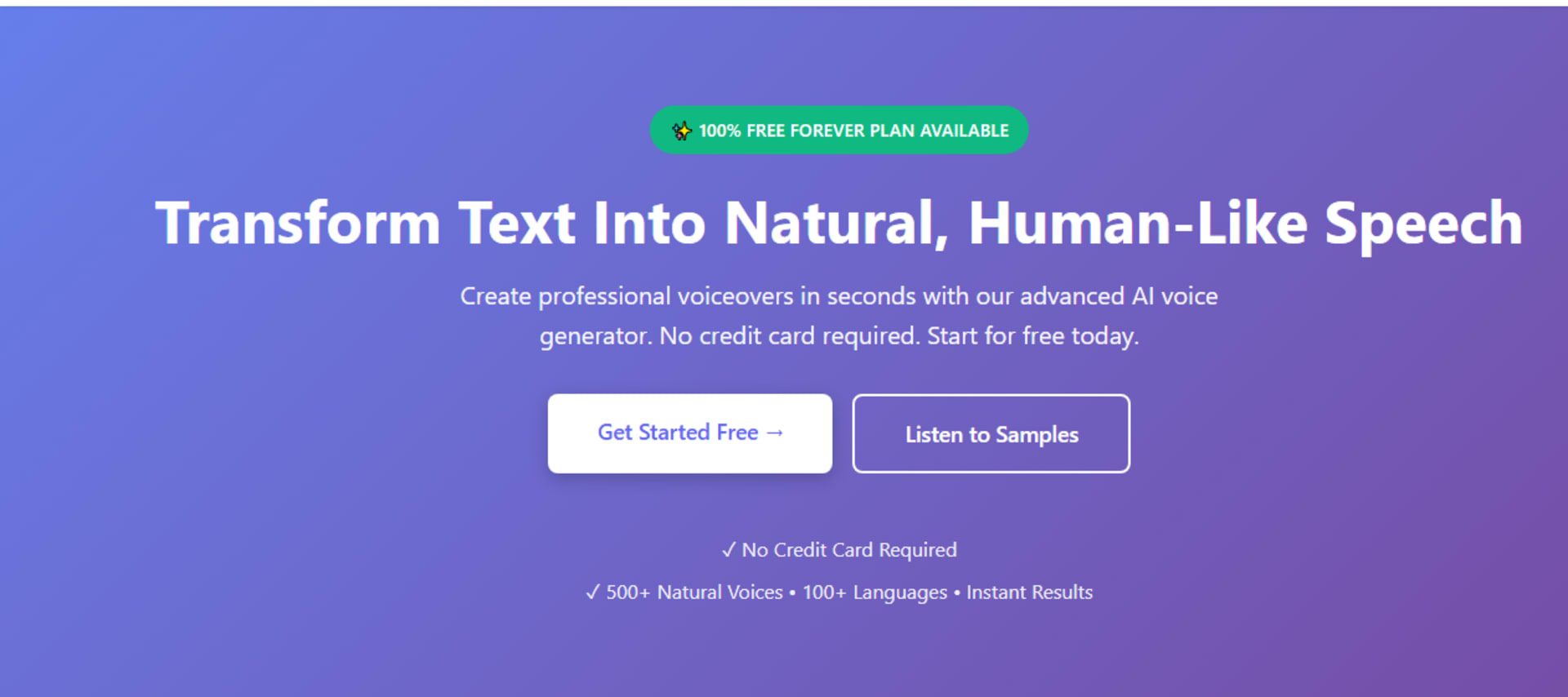
GenAI Pro was built around closing exactly this gap. The platform runs more than 500 voices across male, female, and child ranges, each tuned for natural delivery instead of one fixed tone stretched across every script.
Emotional and tonal control sits at the center of the platform. Users adjust pitch, speed, and delivery style directly, so a training video, a story, and a short ad don't all come out sounding identical. That flexibility matters more than raw voice count, since a huge voice library with no tone control still produces flat, repetitive output.
Language reach extends past 100 languages. For creators building content across different regions, this removes the need to run separate tools per language, and voice quality holds up reasonably well outside English too, which is where a lot of competing tools quietly weaken.
Processing runs fast, generating audio in seconds rather than minutes. That speed matters during actual production, when a script often needs two or three takes before the tone feels right. Export options cover MP3, WAV, and OGG, so the output slots into whatever editing tool or platform a project already uses.
Commercial rights come included on every plan, including the free tier. That single detail removes a common trap in this space, where free tiers exist purely as a locked preview and full usage rights only unlock once you pay.
Plans and Pricing
The free plan includes 10,000 characters a month, access to more than 50 premium voices, MP3 downloads, and full commercial licensing, with no card required to start. This is enough to build real, usable content rather than a single throwaway sample clip.
The Pro plan runs $9.99 a month and expands that to 1,000,000 characters, over 12,000 premium voices, every audio format, and priority support. Creators publishing regularly, whether that's weekly videos, course modules, or client voiceovers, tend to move here once the free tier's limits start feeling tight.
The Business plan sits at $49.99 a month, aimed at teams and agencies. It includes 6,000,000 characters, full voice access, team collaboration tools, and dedicated support. Agencies handling multiple client accounts usually need this tier for shared access rather than juggling separate individual logins.
More than one million voiceovers have already come out of the platform, with a 4.8 rating across over 50,000 users. That scale of usage points to a tool tested across a genuinely wide mix of projects, not one narrow niche.
Matching a Tool to the Actual Job
Different projects need different things from a voice engine. Long-form course narration calls for consistent pacing across a long script without sounding tired by the tenth minute. A short ad needs punch and energy in a few seconds. Multilingual support content needs the voice to stay natural once it switches away from English.
Before picking any platform, name the primary use case first. A tool that's excellent for audiobooks might feel too slow for a quick social clip, and one built for corporate training can sound overly formal next to casual content. Testing against the actual job, not a generic demo, avoids a lot of wasted subscription money.

Why Testing With Your Own Script Matters
Every platform puts its best sample on the homepage, written specifically to sound impressive. That tells you almost nothing about how the tool handles your actual content.
Paste in your own paragraph, the exact wording you'd use in a real project, and listen closely to how the engine handles pauses and emphasis. If the tone stays flat no matter what you feed it, that's a clear signal to look elsewhere. If it shifts naturally and holds up across a longer passage, the tool is doing its job.
This kind of hands-on testing comes up constantly in developer and creator communities too, where people compare notes on which engines held up under real project conditions versus which ones only sounded good in a five-second demo. Community discussions like these are often more useful than a polished feature page, since they reflect actual usage rather than marketing copy.
The Bottom Line
A convincing AI voice comes down to a few specific things: natural pacing, real emotional range, accurate cloning where needed, and licensing that doesn't create problems later. GenAI Pro checks each of these boxes directly, backed by a free tier substantial enough to test properly before paying anything.
Test any tool against your own script before committing. The gap between a fake-sounding voice and a convincing one shows up in the first thirty seconds, and that's the only test that actually matters.
FAQs
1. Why do some AI voices sound robotic while others sound natural?
Robotic voices read every sentence at the same flat pace with no tone shift. Natural-sounding tools like GenAI Pro adjust pitch, pacing, and emotion based on context.
2. Does GenAI Pro support multiple languages?
Yes, the platform covers more than 100 languages, with consistent voice quality across most of them.
3. Is GenAI Pro's free plan actually usable?
Yes. It includes 50-plus voices, 10,000 characters a month, and full commercial licensing, enough to produce real content before upgrading.
4. How much does a paid plan cost?
The Pro plan runs $9.99 a month with 1,000,000 characters. The Business plan runs $49.99 a month for teams needing higher volume.
5. Can I use GenAI Pro voices for commercial projects?
Yes. Every plan, including the free tier, includes full commercial rights for videos, podcasts, ads, and client work.